Rendering styles
pv.add_mesh(..., style=...) selects the rendering mode. Five styles
ship today; each takes a different translation path in the bridge:
| Style | Path | Cookbook |
|---|---|---|
"surface" (default) |
Triangulated bpy.types.Mesh + Principled BSDF |
PBR materials |
"wireframe" |
Duplicate mesh + Wireframe modifier (coplanar diagonals dissolved) |
This page |
"points" |
Native bpy.types.PointCloud, Principled BSDF or Emission dot |
Point clouds |
"points_gaussian" |
Native bpy.types.PointCloud, soft splat or hard sphere |
Point clouds |
show_edges=True (any base style) |
Wireframe modifier stacked over the fill surface | This page |
The bridge routes the actor's prop.style (and the mapper class for
points_gaussian / PointGaussianMapper) to the right translator,
so the user just passes a style= kwarg to add_mesh and the
correct Cycles material lands automatically.
Surface + show_edges
The default filled shading with a wire overlay. The overlay is a
duplicate bpy object whose faces are dissolved when coplanar (so
triangulation diagonals on a cube don't bleed into the visible
edges) and then run through Blender's Wireframe modifier. Edge
colour and line width come from the actor's property.
The fill surface keeps its Principled BSDF; the wire overlay uses
an emissive shader matching prop.edge_color. Two materials, one
visible mesh.
Wireframe only
style="wireframe" hides the fill surface entirely. The bridge
builds only the wire-overlay object — no underlying solid.
Useful for technical-drawing-style renders, CAD QA, or as a debug overlay on top of a separately-loaded scene.
Points
See the Point clouds cookbook for the full story. Quick reference:
| Setup | Material foreground |
|---|---|
style="points", render_points_as_spheres=False (default) |
Emission dot (flat-coloured, unlit) |
style="points", render_points_as_spheres=True |
Principled BSDF sphere |
style="points_gaussian", emissive=False |
Principled BSDF + transparent mix via camera-facing falloff |
style="points_gaussian", emissive=True |
Emission + transparent mix |
style="points_gaussian", render_points_as_spheres=True |
Hard opaque sphere (no falloff) |
Each path produces a native bpy.types.PointCloud, so render cost
scales with N_points rather than N_points × N_geom_verts.
Side-by-side gallery
examples/styles/style_gallery.py renders three actors in a row to
show the visual difference between surface + show_edges, wireframe-only,
and the plain-surface default. Run it to see how the bridge
maps prop.style to bpy data-blocks at a glance:
Outputs land under docs/assets/examples/styles/ as
style_gallery_blender.png and style_gallery_pyvista.png.
Constraints and caveats
- Wireframe + animation.
bake_deformation=Trueworks for surface-style actors. The wireframe duplicate is regenerated each frame so animated topology stays in sync — at the cost of one extra mesh build per actor per frame. - No
style="hidden_line"yet. VTK has a hidden-line removal mode (depth-buffer-aware wireframe) that the bridge doesn't translate. Use Blender'sFreestyleline renderer post-export if you need it. add_mesh(..., style="points", scalars=...)works. Per-point scalars colour the points via a POINT-domainscalarsColor Attribute, same machinery as the mesh path.
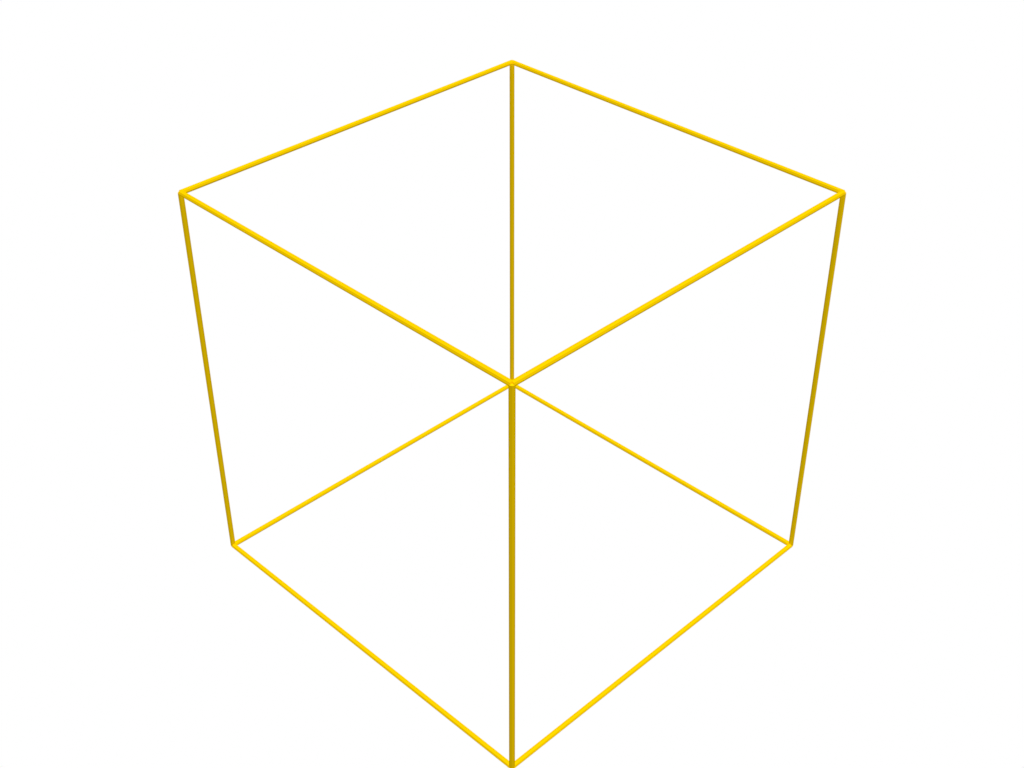
Line-only meshes
Outlines and polylines render as thin tubes, using the actor's color and
line_width. Thickness uses the same world-unit approximation as wireframes.
from pathlib import Path

import pyvista as pv

pl = pv.Plotter()
pl.add_mesh(pv.Box().outline(), color="orange", line_width=5)
pl.blender.render(str(Path("outline.png").resolve()))
pl.close()